
Apple iPad Air (M4) Review: The Ultimate iPad
The M4-powered iPad Air is a modest refresh that cements its position as the most balanced and capable tablet in Apple's current lineup.
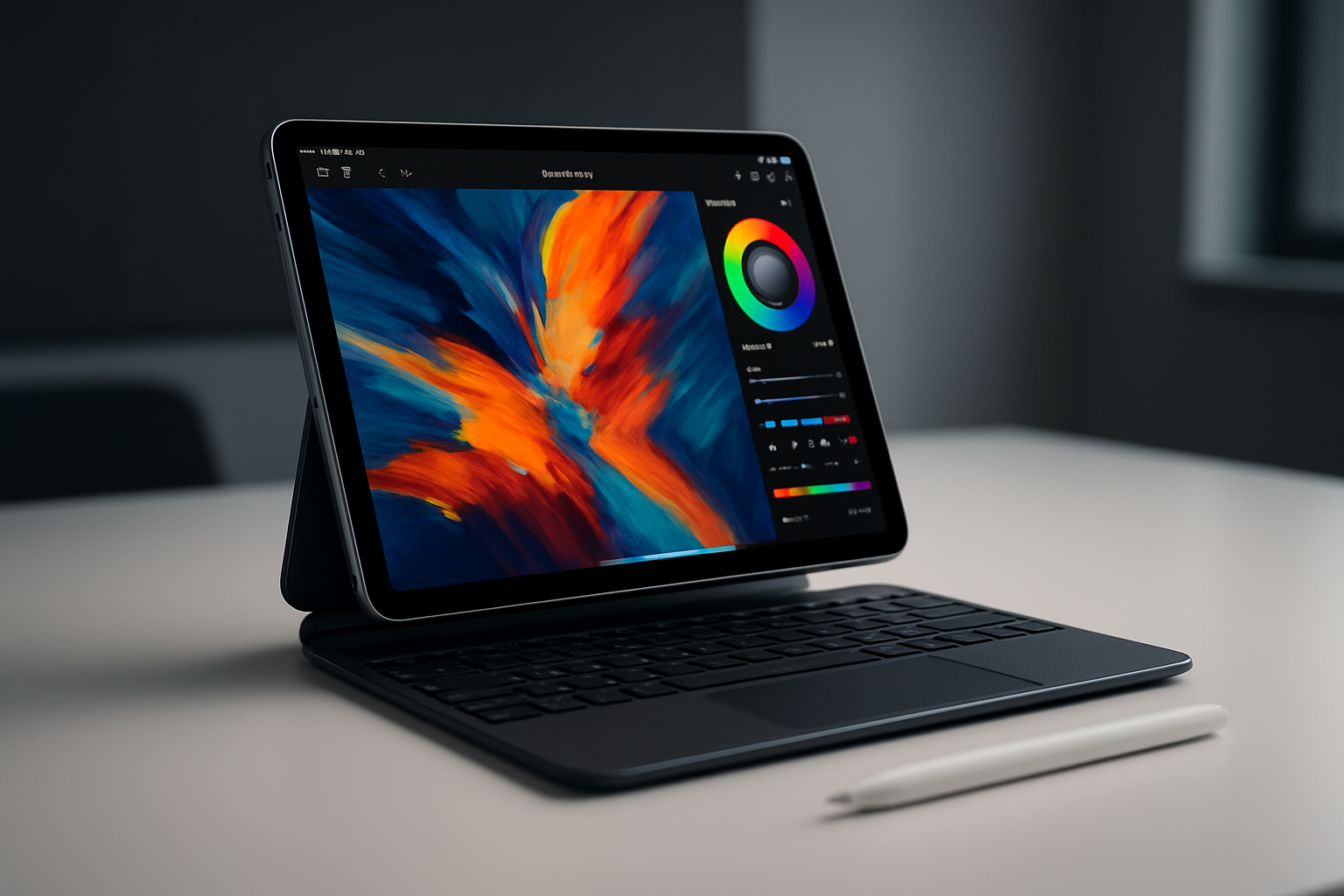
Key Points
- The M4 chip provides massive performance gains with 12 GB of unified memory.
- The 13-inch display offers high pixel density and superior visuals for content consumption.
- Apple Pencil Pro introduces haptic feedback and advanced control for digital artists.
- Magic Keyboard provides a near-MacBook typing experience for productivity.
- The device still lacks Face ID and a 120-Hz ProMotion display.
In the fast-paced world of consumer electronics, Apple’s iPad Air has always occupied a precarious middle ground. It is a device that must constantly walk on eggshells, ensuring it does not cannibalize the high-end features of the iPad Pro while remaining distinct enough from the entry-level iPad to justify its price tag. With the introduction of the MacBook Neo, which competes directly for the consumer's attention and budget, the question of where the iPad Air fits is more relevant than ever. The 2026 iteration, powered by the M4 chip, is a modest update that confirms Apple's strategy of keeping the iPad one generation behind its flagship computers, yet it remains, in many ways, the ultimate tablet for the masses. For most users, the M4 chip is significantly more power than they will ever need. While the iPad Pro is marketed toward creative professionals who require the tandem OLED display and the advanced high-speed USB-C connectivity for 4K live video production, the iPad Air serves the rest of us perfectly. Whether you are browsing the web, participating in video conferences, or playing demanding titles from Apple Arcade, the M4 chip handles these tasks with effortless ease. The bump to 12 GB of unified memory—up from 8 GB in previous versions—provides a significant performance headroom, ensuring the device remains relevant and snappy for years, particularly as iPadOS 18 continues to blur the lines between tablet and desktop computing through improved windowing and cursor support. GPU performance is where the M4 truly shines, even if the average user might not push it to its limits. In testing with graphically intensive titles like Oceanhorn 3, the tablet maintains a smooth frame rate at balanced settings. While benchmarks show that the 13-inch MacBook Air can edge out the iPad Air in certain tasks, such as the 3DMark Steel Nomad Light test by approximately 13 percent, the iPad Air’s performance in video rendering, 3D modeling, and on-device AI processing is a massive leap over the M1 and M2 generations. It is a highly capable machine that invites users to do more, even if casual usage remains the primary use case for most. Practicality is the iPad Air's greatest strength, especially when compared to the base iPad. The integration with the Apple Pencil Pro is a game-changer for digital artists. Features like haptic feedback, barrel roll, and squeeze controls provide a tactile experience that mimics traditional media. Furthermore, the Magic Keyboard for the 13-inch model offers a typing experience that is remarkably close to a MacBook, with spacious keycaps and comfortable spacing. While the palm rests are a bit cramped—a recurring design complaint—the overall ergonomics of using the iPad Air with a keyboard are superior to many third-party solutions. Despite its power, the iPad Air is not a complete MacBook replacement. It lacks a headphone jack, has slower USB-C ports compared to professional laptops, and still relies on a power-button-based Touch ID rather than the more convenient Face ID. The lack of a 120-Hz refresh rate is also noticeable when comparing the screen to the Pro models. However, the display remains sharp, vibrant, and arguably better than the MacBook Air’s screen for content consumption. The ability to detach the screen and use it as a true, lightweight tablet makes it a far more versatile travel companion than any clamshell laptop. Ultimately, the choice to upgrade comes down to value. With the M4 model priced competitively against the M3 version, the jump in RAM and processing power makes the M4 an easy recommendation. It is a device that remains loyal to the original vision of the iPad: a capable, portable, and highly enjoyable computing tool. While it may not be a radical transformation, the M4 iPad Air is a refined, powerful piece of hardware that continues to set the standard for what a premium tablet should be.
Performance and Hardware Capabilities
The M4 chip brings a significant performance boost to the iPad Air, making it more than capable of handling any task the average user throws at it. With 12 GB of unified memory, the device is well-equipped for long-term usage, aligning perfectly with the productivity-focused features of iPadOS 18. In terms of graphics, the M4 excels in gaming and creative workflows. While it is not a direct replacement for a dedicated workstation, its ability to handle complex rendering and on-device AI tasks makes it a formidable machine that punches well above its weight class.
Accessories and Ergonomics
The iPad Air’s ecosystem is anchored by the Apple Pencil Pro and the Magic Keyboard. The Pencil Pro adds a layer of depth to digital artistry through haptic feedback and barrel roll, bridging the gap between digital and physical mediums. The Magic Keyboard enhances the device's versatility, providing a typing experience that rivals dedicated laptops. While the compact palm rests are a notable design compromise, the overall utility and portability of the setup make it an excellent choice for those who need to work on the go.
This article was drafted with AI assistance and editorially reviewed before publication. Sources are listed below.
